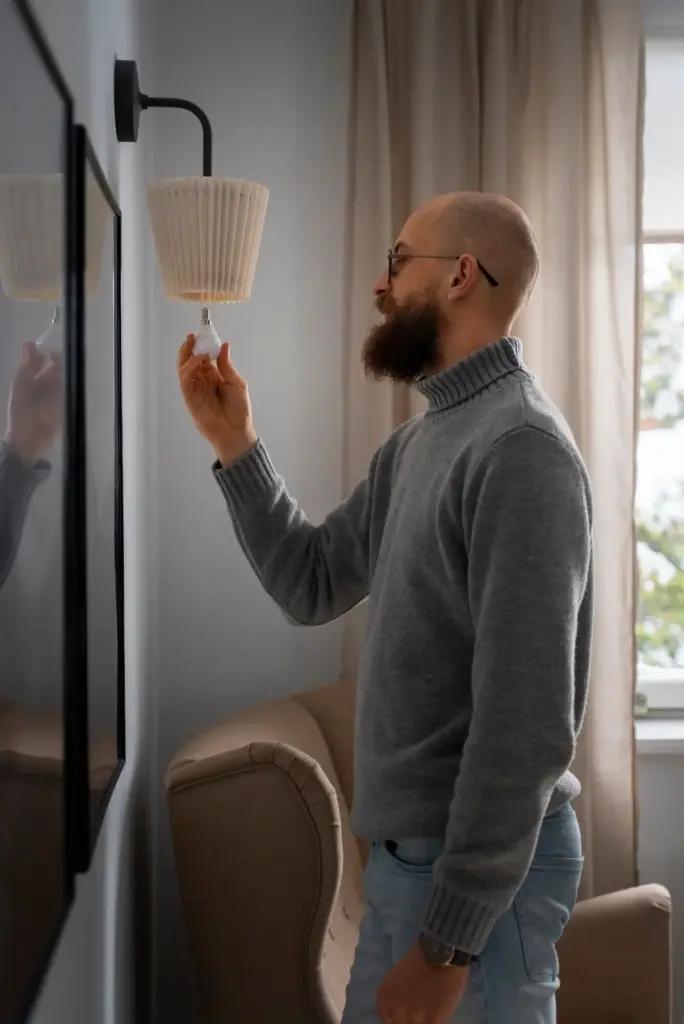
Automation That Feels Like a Helping Hand

Today we focus on designing accessible automations for seniors and non‑tech users, turning everyday tasks into gentle, reliable helpers that respect attention, privacy, and dignity. Expect voice and phone friendly flows, big clear controls, simple language, and human backup. Share your experiences in the comments, invite a caregiver, and subscribe to keep receiving practical checklists and inspiring stories.

Start With People, Not Buttons

Great automation begins with understanding people, their rhythms, worries, and joys. Before wiring anything, observe mornings, medications, lighting habits, and communication preferences. Collect small stories, not just requirements, and turn them into gentle cues, reminders, and safety nets. Design follows feelings: calm clarity, consistent language, and respectful choices that reduce effort without stealing independence.

01

Empathy Mapping Through Daily Routines

Walk through a real day together, from the first kettle click to locking the door at night. Note where hands are full, memory gets fuzzy, or glare hides labels. Map triggers to existing habits so the flow supports life, not the other way around.

02

Cognitive Load and Memory Aids

Short steps, familiar words, and visible progress reduce anxiety dramatically. Use chunking, large readable type, and clear labels that match everyday phrasing, not technical terms. Offer memory anchors like icons and predictable positions. Gentle repetition teaches without lecturing and helps confidence grow with every small success.

03

Building Trust With Predictable Patterns

Predictability is the foundation of trust. Keep schedules stable, messages consistent, and results the same every time. Announce actions before they happen, then confirm politely afterward. When something changes, explain why in plain language and offer an easy choice to proceed or return.

Interfaces Seniors Actually Use

Real accessibility respects preferred channels. Many older adults rely on landlines, SMS, simple remotes, and voice assistants used like friendly radios. Combine eyes, ears, and touch to reduce effort. Provide clear feedback sounds and readable screens, plus reachable human help when confidence wobbles or instructions feel uncertain.

Designing Flows That Forgive Mistakes

Everyone taps the wrong thing sometimes. Friendly automation anticipates slips, prevents expensive errors, and makes recovery easy. Limit branching, show progress clearly, and prefer safe defaults. If danger exists, require an extra confirmation with a calm explanation and an obvious way to change course.
Each screen should invite one decision at a time, with a clear title, short instruction, and big primary action. Hide advanced details behind a simple link. When attention drifts, the interface still feels safe because there is only one friendly next step.
Replace alarming popups with warm, plain confirmations. Offer Undo for minutes, not seconds, and show a comforting countdown. Echo back the essential details in speech or text so people feel seen. If something fails, apologize, explain simply, and propose a single corrective action.

Privacy, Consent, and Care Circles

Respect begins with clarity about data, choices, and boundaries. Older adults often involve family, neighbors, or professional carers; automation should support that network without pressure or secrecy. Use plain explanations, clear opt-ins, and transparent logs so everyone understands what is shared, when, and why.
Describe information in everyday words: reminders, addresses, temperature readings, and call history. Avoid jargon like tokens or scopes. Show who can see what, with recognizable names and photos. Provide an easy revoke button and a printable summary, because paper still builds confidence for many households.
Let people choose exactly what a trusted person can do: receive alerts, view logs, approve changes, or trigger specific scenes. Make it temporary by default, with automatic reminders to renew. Record consent events clearly, so disagreements become solvable conversations grounded in shared facts.
During emergencies, complexity should collapse into one obvious action. Offer a single help button that calls, texts, and announces locally in sequence, with location and context. Provide an easy cancel if pressed accidentally. Afterwards, show a calm debrief and options to update preferences.

Onboarding and Gentle Learning

First impressions should feel like a friendly neighbor explaining a helpful device over tea. Use stories, not manuals. Start with the simplest useful routine, then expand slowly. Offer human support options prominently, and celebrate first successes so confidence grows before features multiply.

Measure What Matters and Iterate

Meaningful success is quieter than dashboards suggest. Fewer missed pills, calmer evenings, and fewer worried calls are the metrics that count. Track outcomes with permission, not clicks. Share simple progress snapshots with families, invite feedback compassionately, and evolve flows based on lived realities, not vanity numbers.

Success Metrics Aligned With Life

Define indicators people actually feel: time saved, frustration avoided, independence preserved, and restful sleep. Review them during friendly check-ins rather than hidden analytics. If a routine causes confusion, change it fast, and document the improvement plainly so confidence grows through visible, human-centered results.

Co-Design Sessions and Field Tests

Invite seniors and caregivers to co-design sessions with snacks, patience, and real devices. Record quotes, hesitations, and smiles, not just timings. Iterate weekly, shipping tiny improvements. Announce changes clearly, and provide a quick way to switch back if something feels unfamiliar or uncomfortable.

Documentation Seniors Actually Read

Replace dense manuals with concise, searchable notes in everyday language, available as printouts, emails, and short videos. Include a big index of how to undo, pause, and contact help. Keep it updated, timestamped, and celebratory, highlighting real stories that teach without intimidation.
Mihilotofefohovaruteri
Privacy Overview

This website uses cookies so that we can provide you with the best user experience possible. Cookie information is stored in your browser and performs functions such as recognising you when you return to our website and helping our team to understand which sections of the website you find most interesting and useful.